
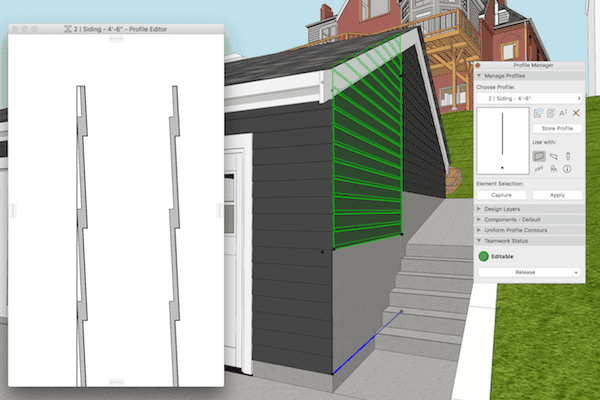
Model Speed, Complex Profiles, adding Fills, and a Quick Video
Complex Profiles need to be built correctly or they can cause a lot of problems in an ARCHICAD model. Here’s one simple technique to remember.
Complex Profiles need to be built correctly or they can cause a lot of problems in an ARCHICAD model. Here’s one simple technique to remember.
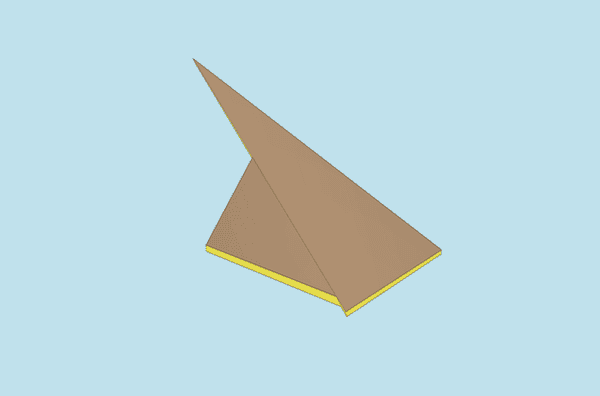
This two minute video will show you how to miter roofs in ARCHICAD. This is one of my favorite, little known techniques.

The fifth iteration of the Shoegnome Open Template for ARCHICAD is now available. Learn about the latest changes to my template and then download it.

Aligning 3D textures in ARCHICAD allows us to create stunning site models with little effort.

With the latest update to ARCHICAD 20, we can now turn color and shadows on/off with Graphic Overrides in any ARCHICAD elevation.
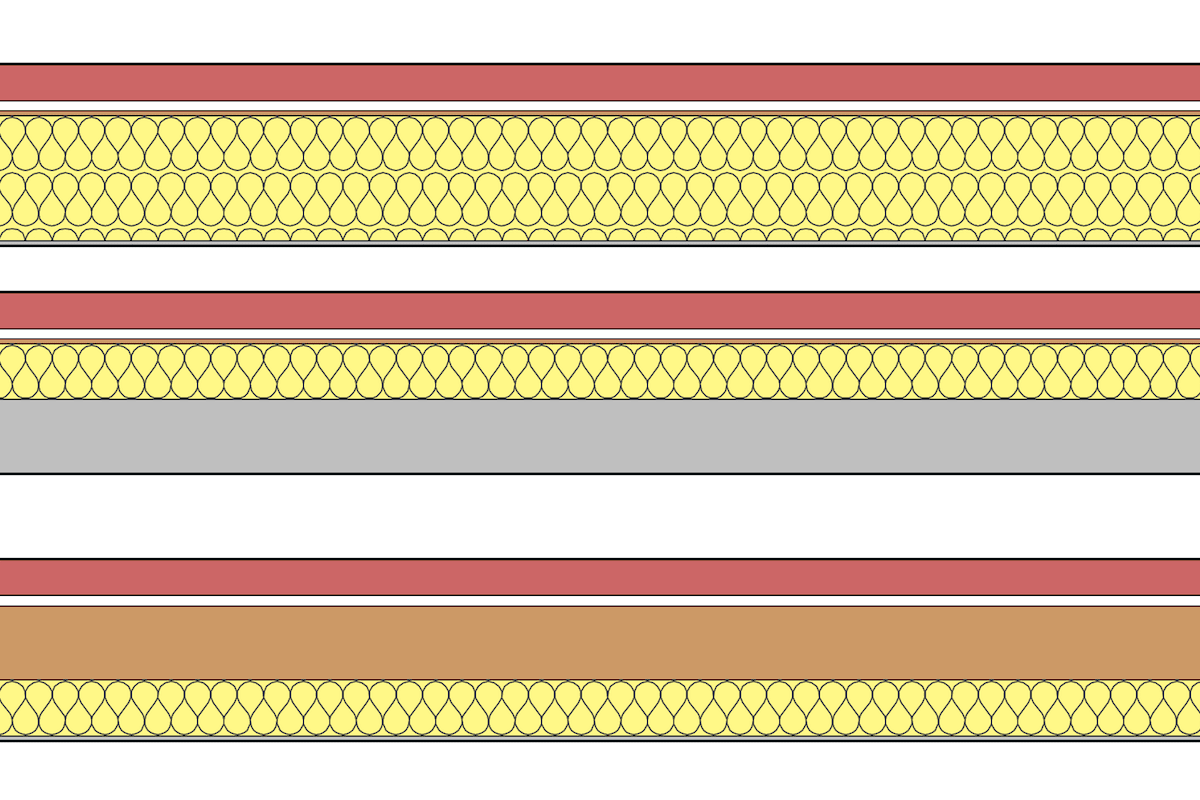
Making walls in ARCHICAD is one of the most basic functions, and one of the first things we all learn how to do. And yet…there are some hidden techniques that are worth discussion.
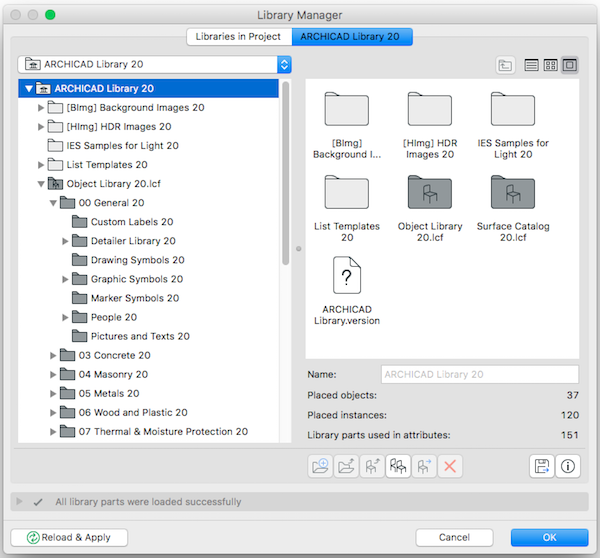
Here’s a quick tutorial on how to export an Object from one ARCHICAD file and add it to another.

Here’s a quick tutorial on how to add contours to a Mesh in ARCHICAD.

Instead of using the Toolbox, I have created a custom toolbar for my Tools. Here’s how you can make a similar Toolbar.