

Shoegnome Open Template v26.2 for Archicad 26
Check out the improvements I’ve made to the Shoegnome Open Template v26.2 for Archicad 26
Check out the improvements I’ve made to the Shoegnome Open Template v26.2 for Archicad 26
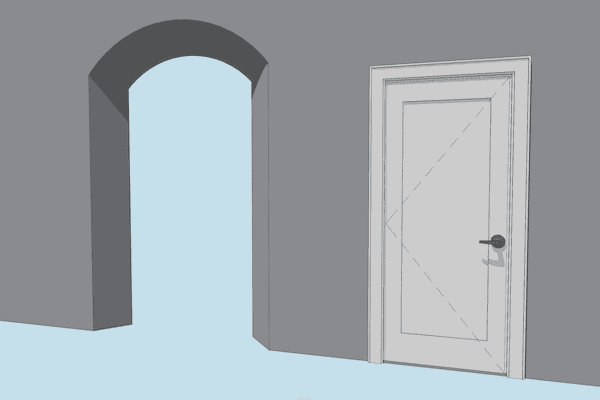
What happens when you need a complicated arched opening or trim around a door that isn’t available in the default Archicad library?
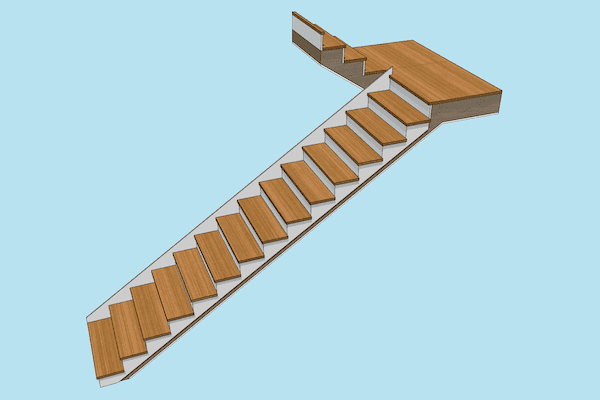
The Shoegnome Open Template v24.2 for Archicad 24 has more Favorites, three new Objects, and a lot of other improvements.
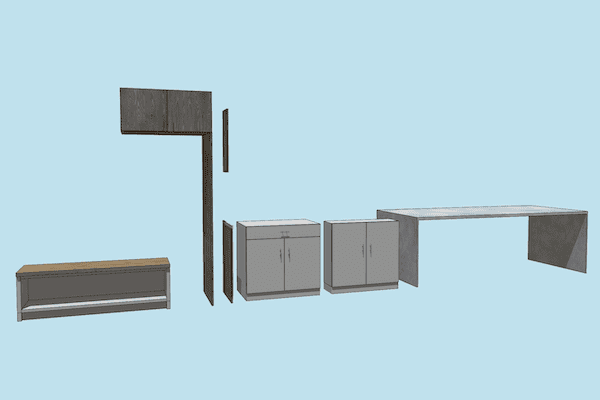
There are a lot of great improvements to the Shoegnome Open Template v24.1 for Archicad 24
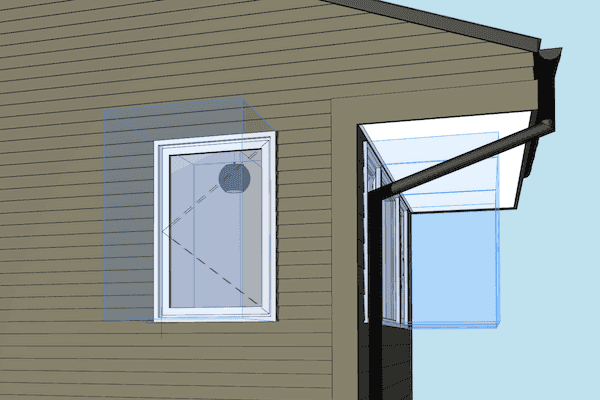
The Opening Tool in ARCHICAD 23 is going to save me time on every project.
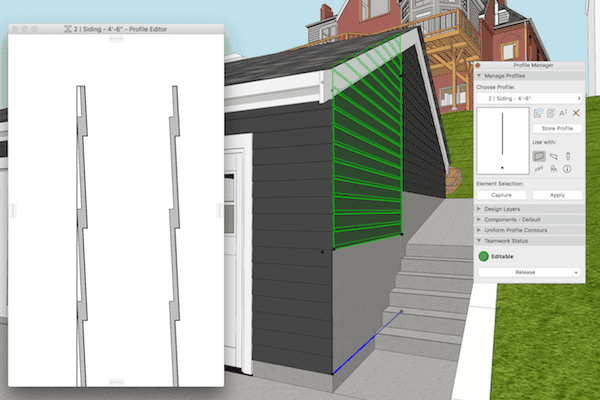
Complex Profiles need to be built correctly or they can cause a lot of problems in an ARCHICAD model. Here’s one simple technique to remember.

Back in January 2016, GRAPHISOFT introduced ARCHICAD 19 Solo to the North American market. In our market, ARCHICAD Solo replaces ARCHICAD STAR(T).

This is not my best video. I am sick and rambling, but it does teach you how to model a curved wall with an irregular top surface using ARCHICAD.

Graphisoft product designer James Badcock is back with a new blog post about the changes to the Profile Manager in ArchiCAD 17.

Once I figured out this technique to create Complex Profile siding in ArchiCAD, my models became about 20% cooler.
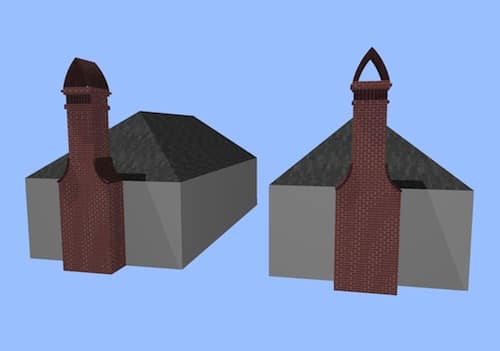
In response to my earlier video on modeling tips for chimneys in ArchiCAD, some readers pointed out that the Morph Tool also offers a great way to do these types of chimneys (or similarly complex forms). I completely agree. Therefor it seemed like I should model that same chimney using Morphs and see what happens. So here it is. That same chimney, but with Morphs! Morphs or Complex Profiles: The
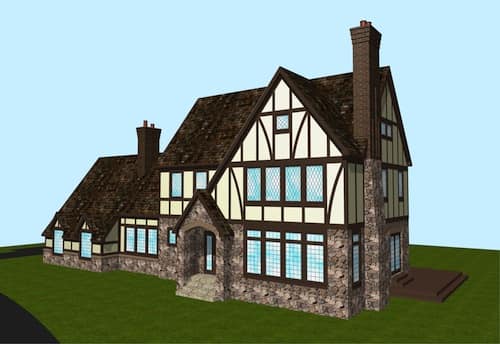
When doing remodels, I often come across some weird chimneys. Likewise when doing new construction, certain architectural styles suggest less than plain chimneys. Here’s a video sharing some tips on how to make good looking chimneys in ArchiCAD. Of course these modeling tips and techniques could be used for other forms. Think of chimney modeling as a proxy for all sorts of non-standard shapes. And this is just the beginning.
Okay that title is a little facetious. But you should expect that from me by now. There is a wonderful thread on LinkedIN that was started two weeks ago on the ArchiCAD Residential Designers Group. You need to be a member to view it, so a direct link to the thread is a little annoying to include. If you’re a residential designer who uses ArchiCAD, it’s a great group to
This is the first time I’m cross posting something I wrote on BIM Engine here as well. If you use ArchiCAD, you’ll want to read about the Attribute Manager. And you’ll also want to download the .aat file that I provide at the end of the post. Be warned it’s a long post and it might require more than one reading. Please post comments there rather than here. Fixing Error

Tonight I recorded two videos. Making these videos reminds me of how I first learned ArchiCAD. I spent a fair amount of time sitting behind one of my coworkers, just watching him work. It was very enlightening. And as I rewatch my videos, I notice a bunch of little techniques that I take for granted, but are probably as enlightening as the main focus of the video. The first video
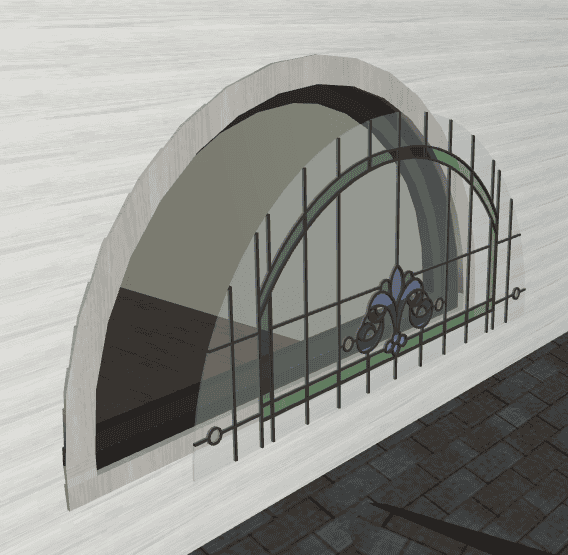
I recently had to model a Queen Anne house in ArchiCAD to produce some renderings for a client. It was a ton of fun. And I learned some cool tricks while modeling the various trim and ornamentation. I have to admit, of all the things I’ve done in ArchiCAD, this model is my favorite. Unfortunately I can’t share images of the entire house until the overall project is completed later
Hidden walls and beams can cut visible elements, and not all trimming is done with SEOs or the trim to roof command. This is most often seen by new users when they don’t yet understand layer intersection groups and priority numbers. Hidden elements on layers that don’t have their intersection groups set to zero can cut and merge with visible objects. While this is a common rookie mistake, it can
Although the meeting was focused on new users, there were some great questions and discussions that have value for all users. As in most of our meetings, a fair amount of time was spent discussing complex profiles. For anyone who’s not using complex profiles to their breaking point: get to it! Scott Newland shared a project and showed off some of the ways he was using them. One example, using
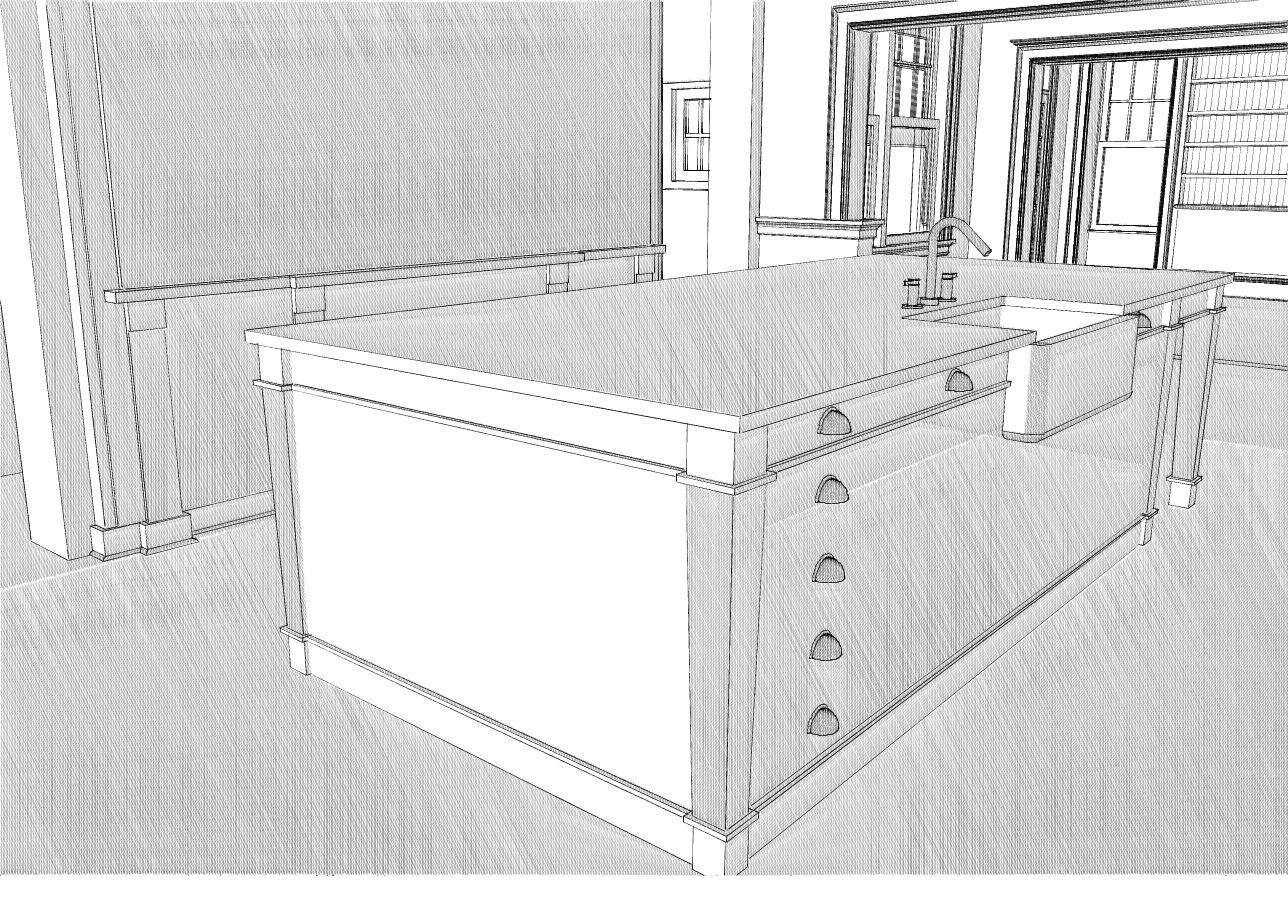
I model all the major elements in kitchens. However the detail across the kitchen is usually a mix of 2D and 3D. In one kitchen, 08113, we spent a lot of time working on two elevations with the client. We sent tons of 3D views similar to those below. Because of this, I modeled all the cabinet doors for about a dozen different variations. In contrast the island, which the
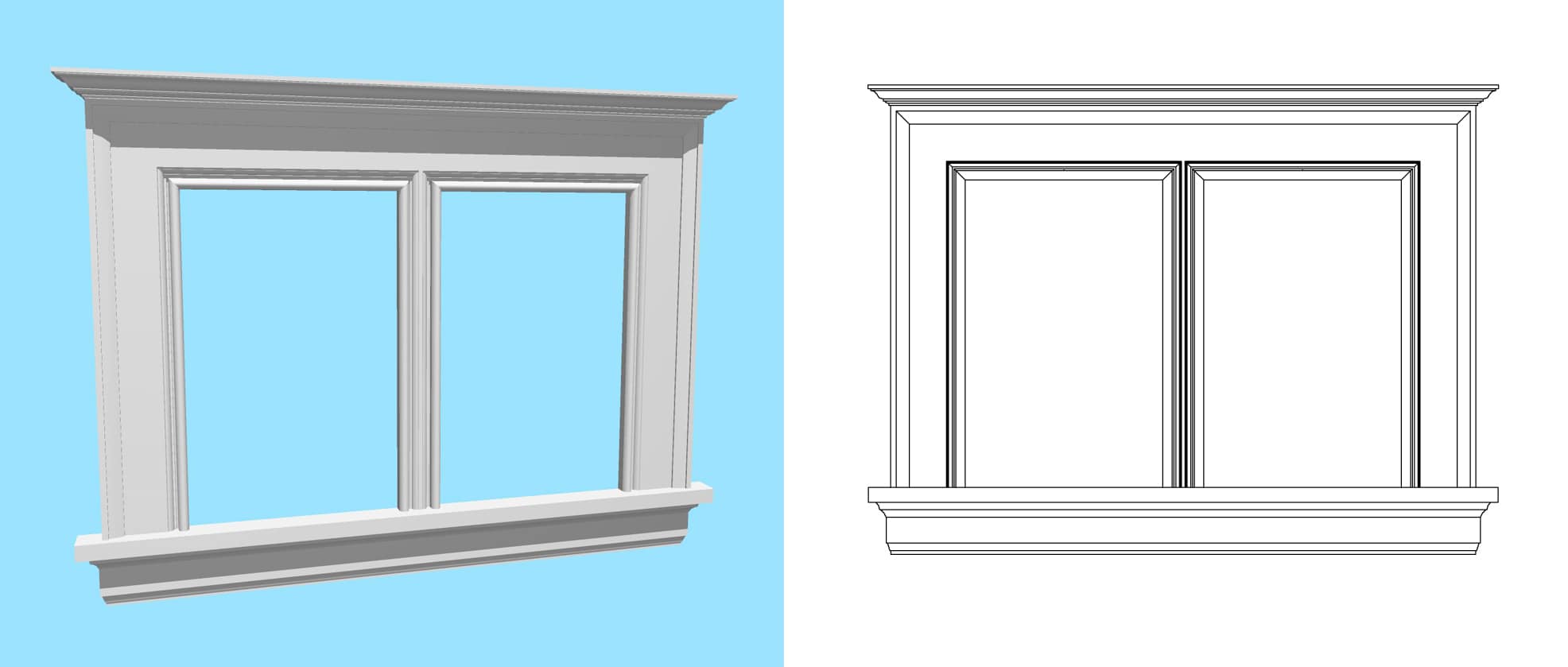
I’m excited about version 14. I started using ArchiCAD on version 9, dabbled in 8.1, 10, 12, and 13, and have been using v11 since it was released. While working on my first project in v11 back in 2007, I discovered the joys of the complex profile in ArchiCAD. If you use ArchiCAD, but don’t use this tool to its breaking point…finish reading and then go spend as much time