

Shoegnome Work Environment for Archicad 24
Before you can properly switch to a new version of Archicad, you must update your Work Environment. Here’s my Archicad 24 Work Environment.
Before you can properly switch to a new version of Archicad, you must update your Work Environment. Here’s my Archicad 24 Work Environment.
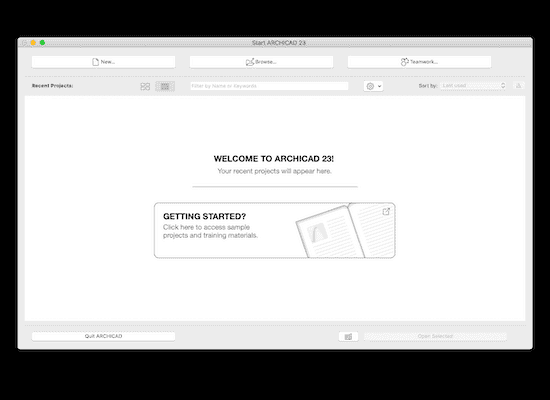
I’m often asked how to import a template or Work Environment into ARCHICAD. Here’s how.
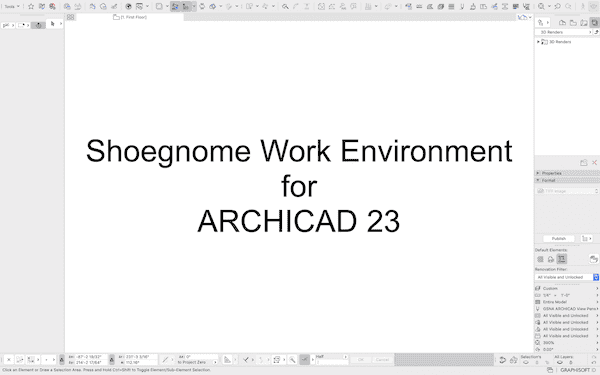
No surprises, just minor tweaks to an already great Work Environment updated to ARCHICAD 23.
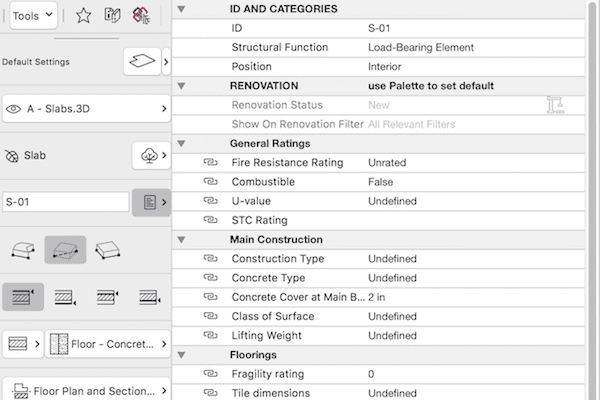
No surprises, just an already great Work Environment updated to ARCHICAD 22.

Before we can start properly using a new version of ARCHICAD, we must first set up our Work Environment. Download my Work Environment for ARCHICAD 21.

Instead of using the Toolbox, I have created a custom toolbar for my Tools. Here’s how you can make a similar Toolbar.

I’ve customized my Work Environment for ARCHICAD 20. Learn about what I did in this short video and download the Work Environment for yourself.

Have you updated your Work Environment for ARCHICAD 19? I mean REALLY updated it? I have. Here’s a video and much, much more.

It’s been way too long since I talked about Work Environments in ArchiCAD. We had a good run last spring and summer with close to 10 posts on this subject. Read them all here. I still have a bunch more to say and share. If I haven’t written about a Work Environment you sent me yet, I’m sorry. I do intend to continue this series. There’s just been a LOT