
Over the years I’ve created a number of videos on modeling siding and cutting holes in that siding. Here’s a few of those posts:
Openings for Complex Profile Siding in ARCHICAD 23
Complex Profile Siding in Archicad
Control Joins and Strong Air in Archicad
Model Speed, Complex Profiles, adding Fills, and a Quick Video
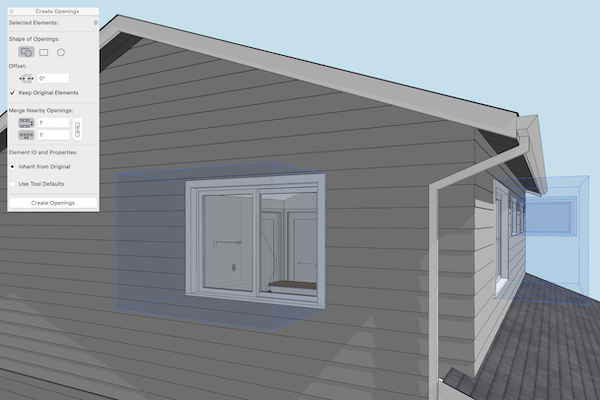
And every few years I need to record a new video because there’s been just enough changes that the old videos are now missing something important. This is one of those times. With the USA doors and windows, using Create Opening From Selection to create an opening in a secondary wall that the window/door touched was easy. With the INT doors and windows, there’s one extra minor step required. Still easy. But if you don’t know to temporarily change the window reveal, you’ll be frustrated that Create Opening From Selection doesn’t work. Anyways, I explain all that and more in the video below. As a bonus I talk about a second technique to easily create openings in a section/elevation or, as in my example, an interior elevation). Enjoy:
Follow Shoegnome on Facebook, Instagram, and Youtube.
Do you use Archicad? Check out the Shoegnome Open Template for Archicad.