
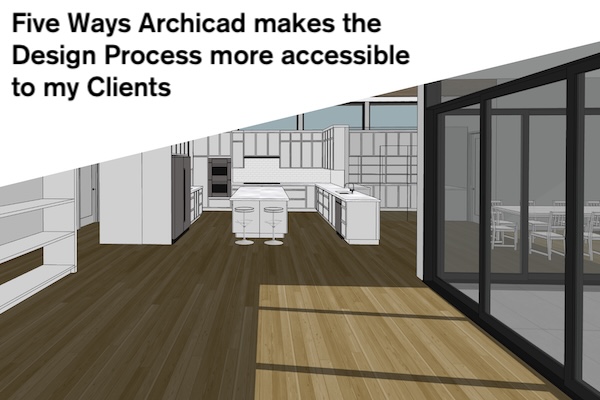
Typically in my YouTube videos, I focus on specific Archicad skills and techniques we can all use to get our work done. My goal is to help us all master Archicad and make our workflows just feel right. In today’s video I’m doing something a bit different. While I’m still going to share various tips and tricks, I’m focusing on five ways Archicad makes the design process more accessible to our clients.
Maybe you’re already using all these tools to provide an excellent design experience for your clients. Maybe I’ll give you some new concepts to explore. Either way, my hope is that after this video you’ll be able to improve on these ideas and perhaps most importantly be able to better communicate the value you bring (via Archicad) to the whole architectural experience—from day one through construction and beyond.
Thanks to Graphisoft for sponsoring this video.
This video was created using the Shoegnome Open Template v29 for Archicad 29 and the Shoegnome Work Environment for Archicad 29. Go get them. As always the template and work environment are free; a good Archicad template (and work environment) is too important to horde. If you want to click the PayPal button on the template or work environment pages to support my endeavors and encourage future development, that’s wonderful. Whenever people do that, it makes my day.
Follow Shoegnome on Facebook, Instagram, and Youtube.
Do you use Archicad? Check out the Shoegnome Open Template for Archicad.