
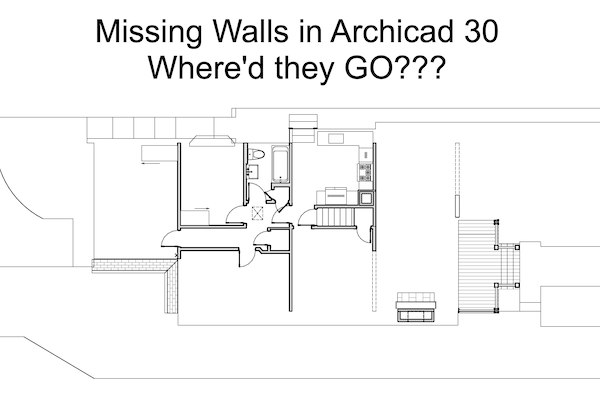
I migrated a project to Archicad 30 today and found a fun bug. Some Walls (and Wall Favorites) created in earlier versions of Archicad arrive in Archicad 30 with their new and improved Show on Stories settings set to Custom. And that Custom setting is set to show on NO stories above, NO stories below, and NOT on the home story. Awesome. Discovering that today was a few moments of panic while I figured out what was going on. This video describes the issue and shows the fixes. Hope this helps and saves a lot of people some freak outs.
Two additional notes not mentioned in the video:
1) In the Shoegnome Open Template it only affects Walls created with the ‘Exterior Wall (2×6, no siding)’ Favorite. So that’s the only Favorite that needs fixing, and presumable only Walls on the 1| Wall – Exterior Layer will have this issue (if you were flawless in the use of the template, which even I’m not!).
2) I updated my Shoegnome Open Template v29 to fix this issue (and confirmed the fix in Archicad 30). So while we wait for me to release the Shoegnome Open Template v30 (probably in late October or early November 2026), new projects can avoid this problem.
If you want all the latest Shoegnome Open Template news, sign up for the mailing list
If you aren’t using the current version of Archicad, you can download older versions of my template. If you use my template, I highly recommend you use my Work Environment as well. The two work together well and the Work Environment is designed to reinforce the best practices of the template. You can download my Work Environment here.
Subscribe to my blog to read more about the tricky world of being an Architect in the 21st century. Follow Shoegnome on Facebook, Instagram, and Youtube.