
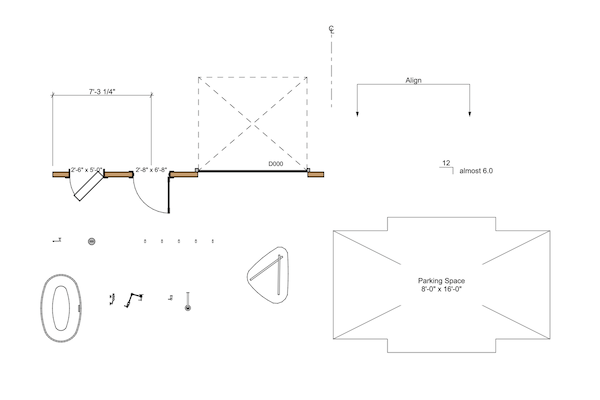
Shoegnome Open Template v29 for Archicad 29
The Shoegnome Open Template v29 for Archicad 29 is ready. Read about all the improvements and download it today.

The Shoegnome Open Template v29 for Archicad 29 is ready. Read about all the improvements and download it today.

Archicad 29 is going to create a bunch of unnecessary Linked Markers in your project. Learn why and how to get rid of them.

I updated my Work Environment for Archicad 29 so that we can all start using the latest version of Archicad ASAP. Enjoy.

In this video I explore all the custom Objects in the Shoegnome Open Template for Archicad.

The Shoegnome Open Template v28 for Archicad 28. Watch the video to learn about the changes then download the template today.

Graphisoft is doing an community challenge through the end of November 2024: Archicad In Your Pocket.
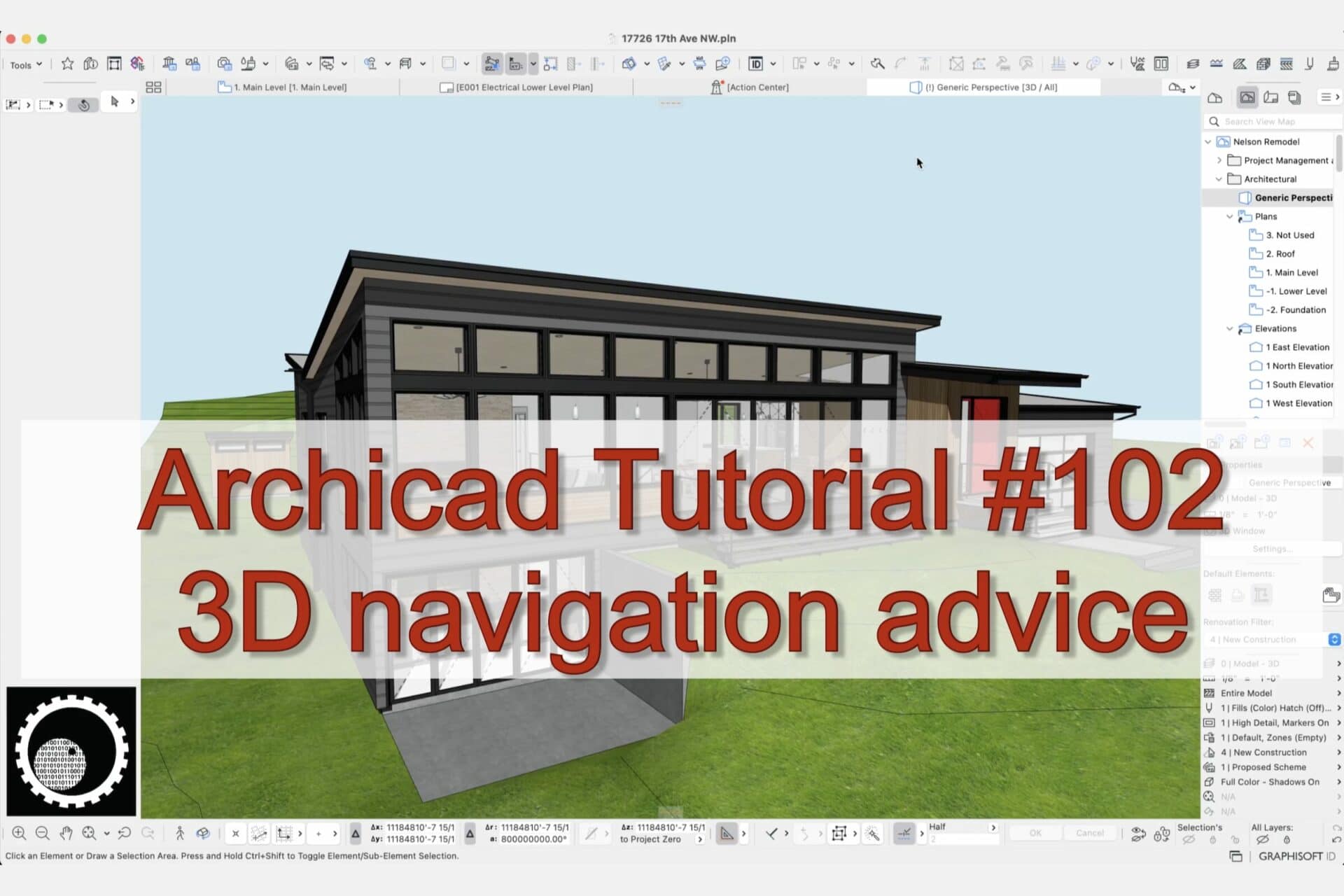
Being able to navigate the 3D window in Archicad is super basic, but also extremely important.
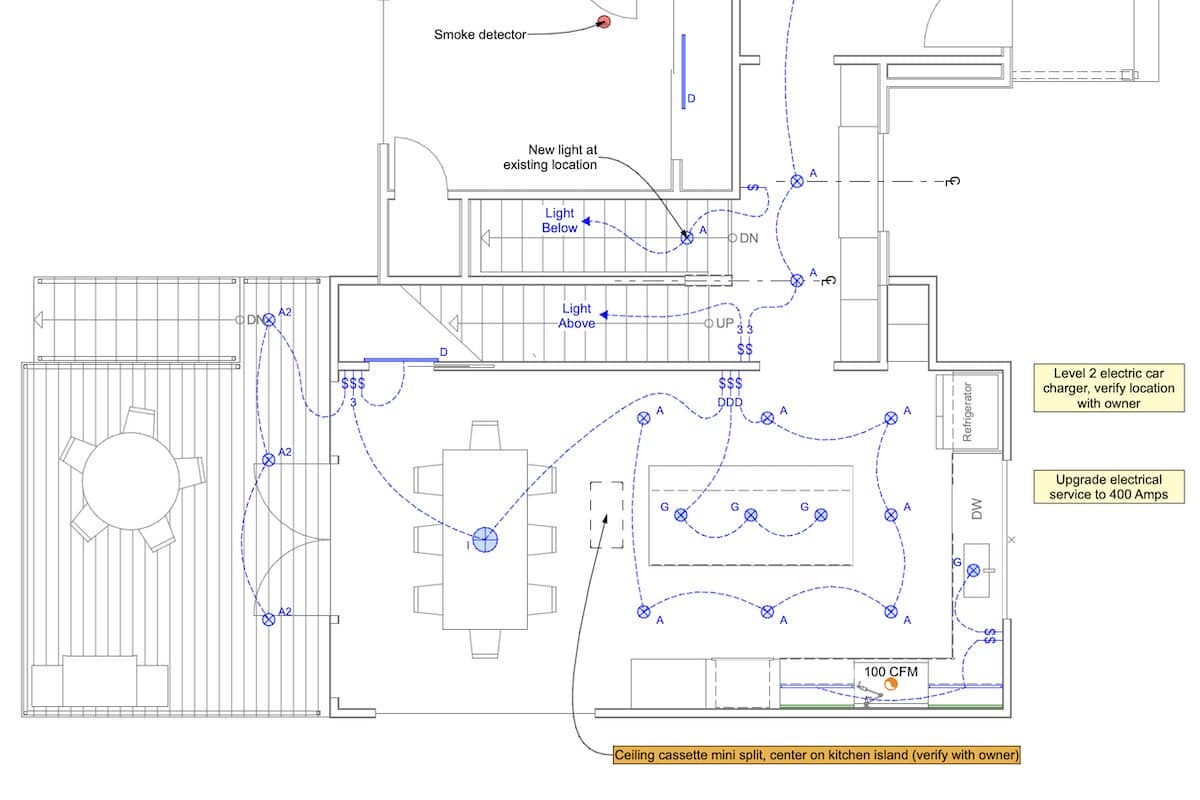
Graphic Overrides are one of my favorite Archicad features. Check out this video and see how I use them to create beautiful electrical plans.
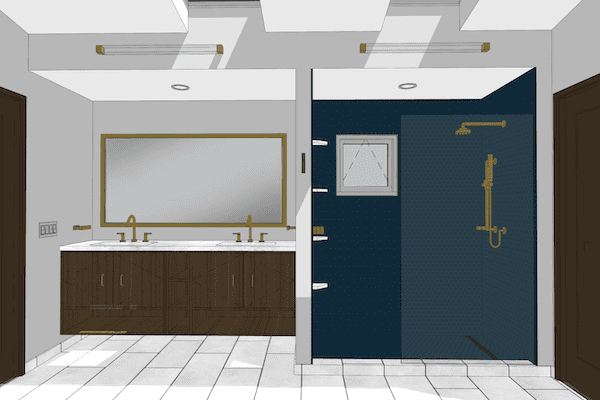
The Mesh tool is great for modeling shower floors in Archicad (or any other floor/roof condition with a flat bottom and a sloped top).
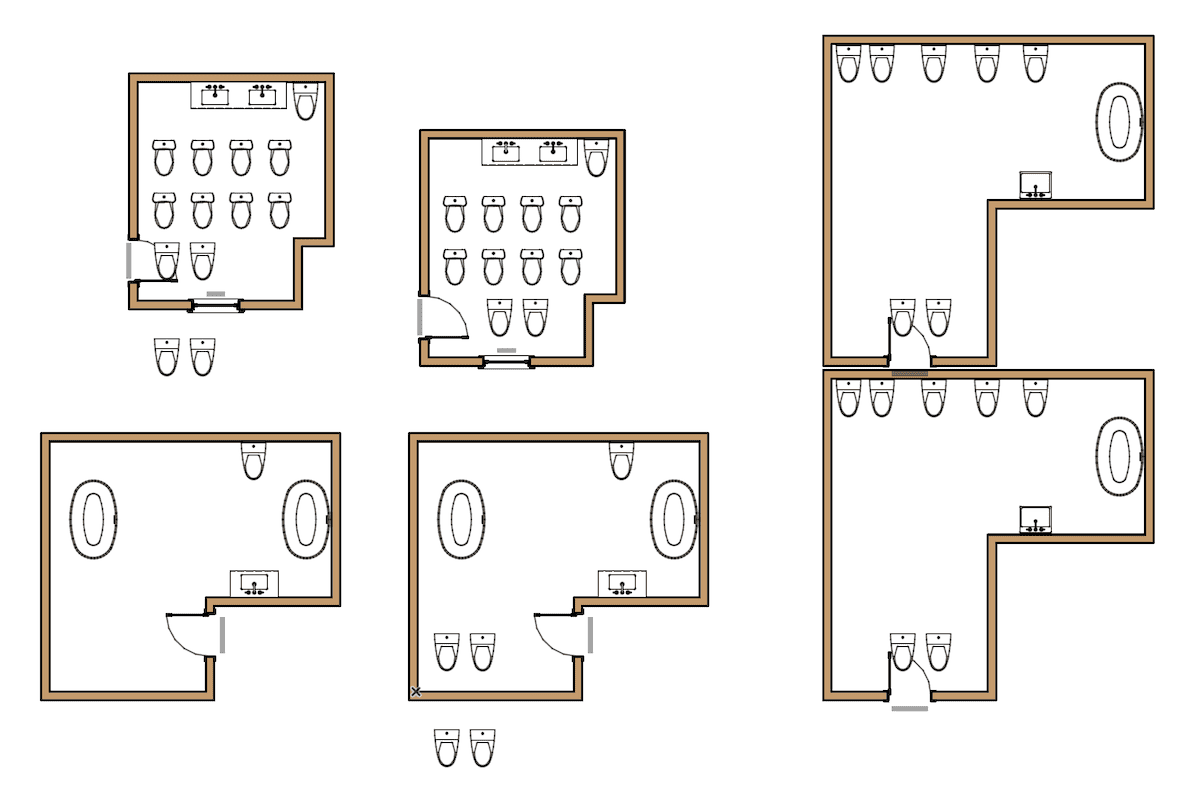
Design Options in conjunction with Modules in Archicad open up all sorts of interesting possibilities.
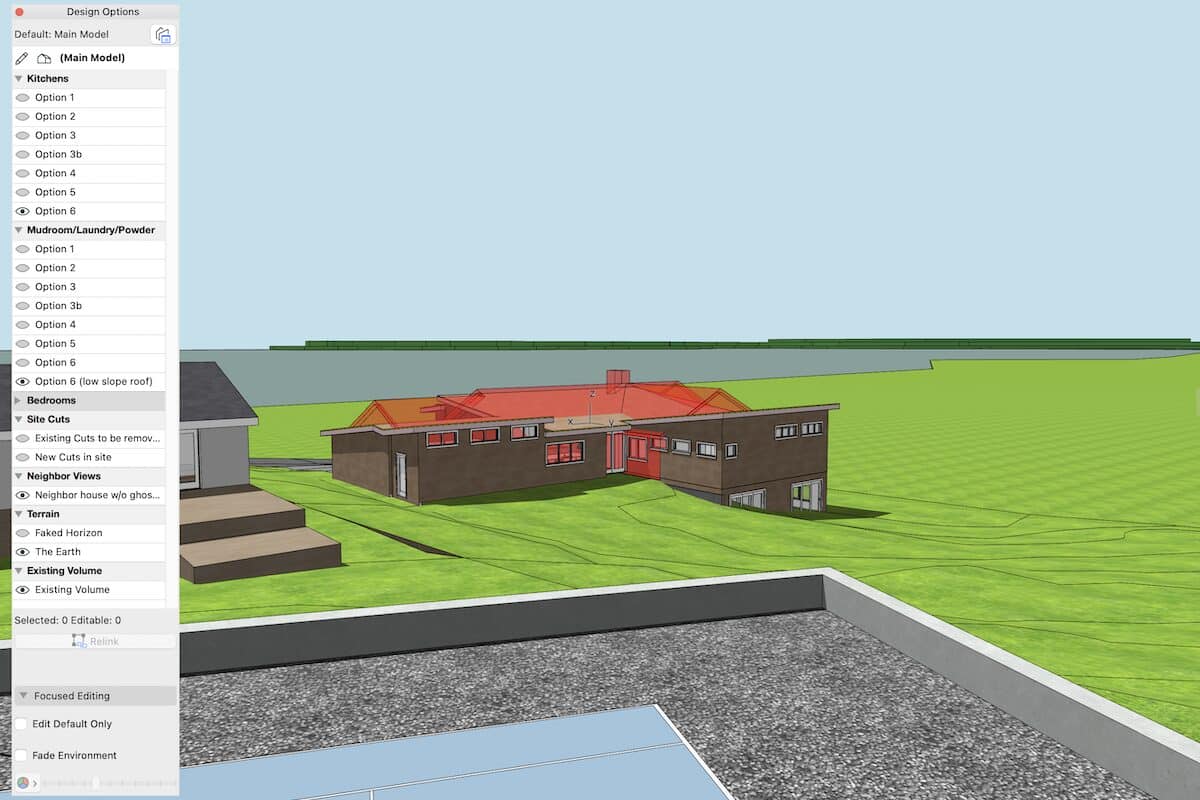
In Part 3 of my series on Design Options, let’s explore other ways to use Design Options to enhance the creative process.
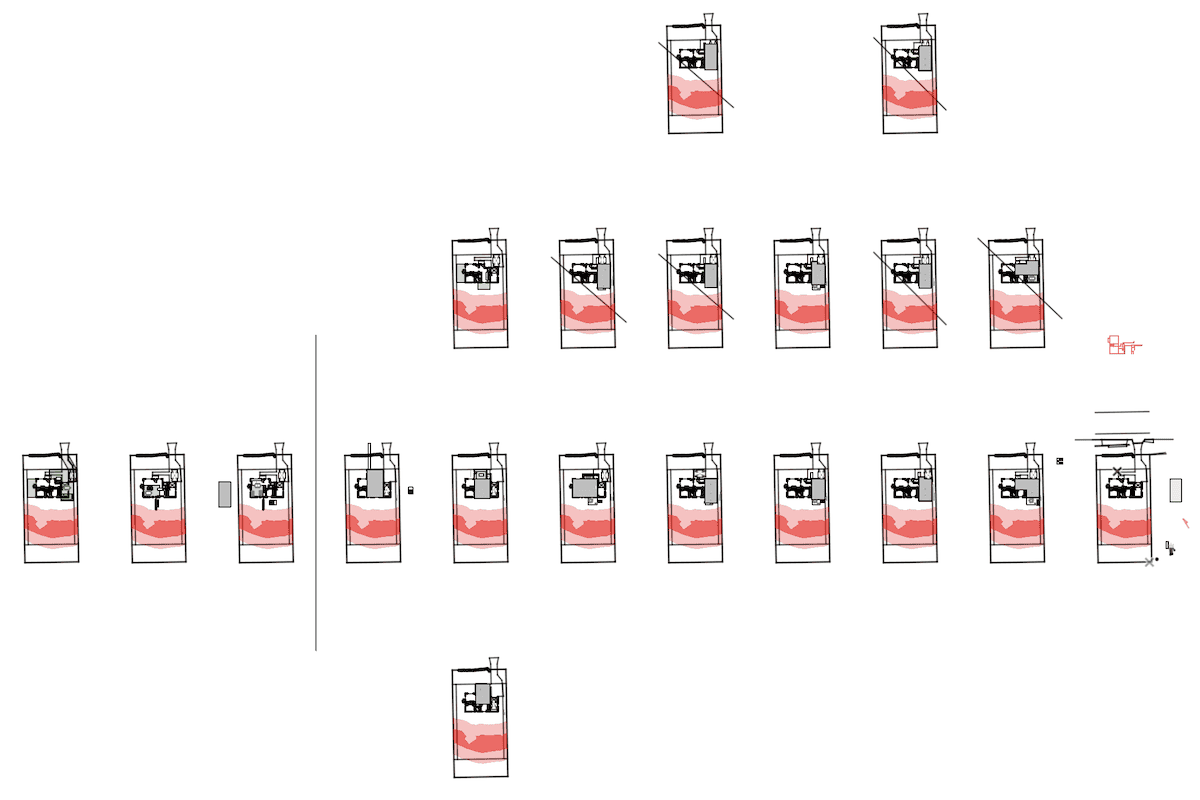
Let’s look at Design Options on an active project, and how Design Options can improve the organization of a template.

Design Options are an incredible addition to Archicad. Let’s explore how they transform your work.

Cleaning up imported Objects in Archicad is fairly easy. Just follow these steps.

More proof that Quantity take-offs in Archicad are surprisingly easy…if you have a good model built from a good template. Let’s calculate total square footage of gyp. bd. and/or paint.

In this video I share how to create quick area calculations for siding and flooring in Archicad. Quantity take-offs in Archicad are way easier than you think.

In this Archicad tutorial video I talk about copying between different templates, moving objects between files, and the horrors of Master_GDL Objects.

Here’s a quick video on a variety of exterior trim techniques from a recent project in Archicad 26.

In this small update to my Shoegnome Open Template for Archicad 26, I fix a long standing graphic issue with existing door leaf display.

On March 9th, 2023, I’ll be chatting with Jeffrey A. Pinheiro of The Revit Kid on BIM After Dark. We’re going to talk Archicad vs Revit, BIM for residential, and much more.

An template with robust Favorites is the key to unlocking the power of Archicad and BIM. Here’s a video that will convince you.

I build my Archicad model while I measure a house. In this video I share my process.

Criteria Sets for Find & Select are a powerful, underused feature in Archicad.

In today’s video, I share my thoughts and review Archicad 26. What’s good. What’s in need of improvement. What’s worth ignoring.

My daughters and I made a short video that explains the basics of working with an architect to build or remodel a home.

This video covers the basics of the Shoegnome Open Template for Archicad. From how to start using it to what it includes.

This Archicad stair is made out of five columns, three railings, and one beam. Check out the video to learn more.

Trees in your Archicad model can really enhance the sense of place, if those tree objects don’t look like garbage.

Baseboard and Crown Molding are super easy to model in Archicad. Here’s a quick video on the best method.

In this video I hope to improve your knowledge and usage of windows and doors in Archicad.

In this video, I look at a variety of ways to build better site models in Archicad.

What happens when you need a complicated arched opening or trim around a door that isn’t available in the default Archicad library?

Here’s a twenty minute video on how to get more value out of schedules in Archicad.

I ended up creating way too much content for ArchiSUMMIT 2021. So here’s a teaser / bonus video with a bunch of extra tips and tricks.

In addition to updating the Shoegnome Open Template, I’ve also recorded a video discussing various Archicad modeling tips.

I’m often asked how to import a template or Work Environment into ARCHICAD. Here’s how.

The seventh iteration of the Shoegnome Open Template for ARCHICAD is now available. Learn about the latest changes to my template and then download it.

The Opening Tool in ARCHICAD 23 is going to save me time on every project.

Sections and Details in ARCHICAD require a combination of 2D and 3D information. This blog post talks how to handle the 2D.

In this video I discuss how to I prefer to model roof assemblies in ARCHICAD.

Complex Profiles need to be built correctly or they can cause a lot of problems in an ARCHICAD model. Here’s one simple technique to remember.

This two minute video will show you how to miter roofs in ARCHICAD. This is one of my favorite, little known techniques.

The fifth iteration of the Shoegnome Open Template for ARCHICAD is now available. Learn about the latest changes to my template and then download it.

Aligning 3D textures in ARCHICAD allows us to create stunning site models with little effort.

With the latest update to ARCHICAD 20, we can now turn color and shadows on/off with Graphic Overrides in any ARCHICAD elevation.

Making walls in ARCHICAD is one of the most basic functions, and one of the first things we all learn how to do. And yet…there are some hidden techniques that are worth discussion.

Here’s a quick tutorial on how to export an Object from one ARCHICAD file and add it to another.

Here’s a quick tutorial on how to add contours to a Mesh in ARCHICAD.

Instead of using the Toolbox, I have created a custom toolbar for my Tools. Here’s how you can make a similar Toolbar.

The Shoegnome Open Template for ARCHICAD 20 is ready for you to download and use. Read this post and watch the accompanying video to learn what’s new.

I’ve customized my Work Environment for ARCHICAD 20. Learn about what I did in this short video and download the Work Environment for yourself.

Do you know how to show Section Markers in Elevations in ARCHICAD? Here’s a video showing you the most efficient way to do it.

In late 2015 and early 2016, I wrote a number of articles on visualization in ARCHICAD. Here’s an update of how I’ve been practicing what I preach.

Today I decided a blog comment would be easiest explained in video format: foundations and footings in ARCHICAD.

Getting the most out of ARCHICAD and/or BIM is about finding the balance between the automation provided by the program and manual processes that give you complete control.

This is not my best video. I am sick and rambling, but it does teach you how to model a curved wall with an irregular top surface using ARCHICAD.

Have you updated your Work Environment for ARCHICAD 19? I mean REALLY updated it? I have. Here’s a video and much, much more.

A brilliant way to get bullet proof DWG output from ARCHICAD. Your archaic DWG using consultants will be amazed and extremely happy with the results.

I regularly get asked if there is a metric version of the Shoegnome Open Template-or if I have any plans to make one. I won’t be making one, but you can do it. Here’s how.

In addition to releasing the latest version of my Shoegnome Open Template, I’ve also recorded an ArchiCAD Rendering Tutorial video.

There are all sorts of interesting things you can do in ArchiCAD if you simplify your Attributes to almost zero. Here’s where to start.

I recorded a quick video on modeling rocks and boulders in ArchiCAD, using imported elements from SketchUp and/or the Morph Tool.

In this blog post I convince you to watch an (almost) 11 minute video on the Undo and Redo commands in ArchiCAD by talking to you about time travel.

Align and Distribute are nothing new and I’m sure these commands are rarely (if ever) on anyone’s Top 10 Most Important ArchiCAD Features list. But they are still quite valuable. Let me explain why, plus show you some basics in the accompanying video.

A video discussing various aspects of creating a nice looking and functional window schedule in ArchiCAD using the Interactive Schedule.

Parameter Transfer in ArchiCAD (eyedropper and syringe) is an ultra basic concept. I really hope you already know everything I discuss in this video.

Do you know how to add IFC Properties to any 3D element in ArchiCAD? You should. Here are two short videos that will show you how.

In this video I talk about how to create monochromatic models in ArchiCAD. There are a few techniques and they all offer some great potential.

Creating custom empty openings in ArchiCAD is fairly easy. And it’s a great introduction into object making.

Someone asked me a simple question. So I recorded about 13 minutes of answers: it’s time to talk about Black and White (and red) 3D Documents in ArchiCAD.

Once I figured out this technique to create Complex Profile siding in ArchiCAD, my models became about 20% cooler.

My ArchiCAD videos tend to come in pairs. Here’s the follow up to yesterday’s video. In this video I focus more on the Interior Elevation Tool itself.

Do you need to create Interior Elevations in ArchiCAD? Of course you do. We all do. Are you creating them in the best possible way? Watch this video and find out. Got something to add? Share your tips in the comments.

I’m always being asked how to get content from SketchUp to ArchiCAD. It couldn’t be easier. Here’s a video showing you how.

A quick lesson on pocket doors in ArchiCAD. The video will also teach you a little about composites and niches.

Here’s my second video on Building Materials in ArchiCAD 17. I pick up right where we left off in the last video.

I asked on the Shoegnome Facebook page what my next ArchiCAD tutorial video should be about. There was some interest in Pen Sets, but the overwhelming majority of people wanted more on Building Materials in ArchiCAD 17. So here’s the first of at least two videos.

This video is in support of this BIM Engine post I wrote. You should read that post to understand more about what’s going on. A few more notes: At the end of the video I say “copy in 3D”. I meant “copy 3D elements in elevation and section”. Obviously. Sorry about that. The danger of soft language. But a verbal slip at the end of a seven minute video isn’t

The most important ArchiCAD (Objects) video you’ll watch in 2013 Back in February 2013 I made a tutorial video on making ArchiCAD Objects. If you haven’t watched it, you should. It covers the basics of object making that I completely gloss over in this new video. I’m assuming if you’re watching this video, then you’ve already seen that one or the recent videos by Eric Bobrow (links in previous post).

This is my third video on modeling chimneys in ArchiCAD. The first covered Complex Profiles and the second discussed the Morph Tool. A HUGE thank you to Gorazd Rajh of Pilon AEC (the reseller of ArchiCAD in Slovenia) for sharing this bonus modeling tip with me. While building the chimney with the Morph Tool, I had one major issue-I struggled to use the tube command. Well thanks to Gorazd I

In response to my earlier video on modeling tips for chimneys in ArchiCAD, some readers pointed out that the Morph Tool also offers a great way to do these types of chimneys (or similarly complex forms). I completely agree. Therefor it seemed like I should model that same chimney using Morphs and see what happens. So here it is. That same chimney, but with Morphs! Morphs or Complex Profiles: The

When doing remodels, I often come across some weird chimneys. Likewise when doing new construction, certain architectural styles suggest less than plain chimneys. Here’s a video sharing some tips on how to make good looking chimneys in ArchiCAD. Of course these modeling tips and techniques could be used for other forms. Think of chimney modeling as a proxy for all sorts of non-standard shapes. And this is just the beginning.

I’d been meaning to record a video on the basics of making a movie from ArchiCAD for a long time. Yesterday a former colleague and friend was asking where she could find such a video to teach her how to make a quick fly-through movie in ArchiCAD… 24 hours later… here’s the video on Cameras and Camera Paths in ArchiCAD. As always, I’m sure I didn’t cover everything. If you

Templates are a big deal. Your template can determine whether you make or lose money with BIM. A strong template can make you efficient. A poor template can win you a gold medal for Wheel Reinvention. I’m not being hyperbolic. To succeed at BIM, you need a strong template. Without that, all the other time, money, and effort you throw at BIM will be severely handicapped. I get a lot

I expect to have dozens of people argue against that title. But I sure bet it caught your attention. The real point is that most architectural software has something to teach us about our own preferred program. The examples are endless. But today I want to focus on one program in particular: SketchUp. SketchUp models, the traditional variety of them, have this beautiful balance of realism and abstraction. They sit

Are you following Patrick May’s Tumblr blog yet? Great ArchiCAD advice over there too. He reminded me of another nice feature of the Publisher that I thought warranted a quick bonus post. You can open the View Map or Layout Book of another ArchiCAD file in the left hand side of the Organizer (you can also do this from the Navigator). This allows you to drag and drop views from

I actually mean both Big Brother as in your wise male sibling who was born before you AND that all seeing eye of some over arching organization. The Organizer is pretty awesome and powerful like that. I cover a lot in this ArchiCAD tutorial video. I talk about the Navigator, the Organizer, the differences between the View Map, Project Map, Layout Book, and Publisher. I go over the basics of

It’s been way too long since I talked about Work Environments in ArchiCAD. We had a good run last spring and summer with close to 10 posts on this subject. Read them all here. I still have a bunch more to say and share. If I haven’t written about a Work Environment you sent me yet, I’m sorry. I do intend to continue this series. There’s just been a LOT

One of the greatest improvements in ArchiCAD 16 is how much easier it is to make objects. Not that it was particularly hard before, but along with the Morph Tool there have been some tweaks that mean there’s no excuse to not make lots of objects (and share them). But just selecting some elements and saving them as an object is usually not enough. You want to add some intelligence

I regularly get questions about keyboard shortcuts. Probably the top two questions are “Is there a keyboard shortcut for Function A?” or “How do I make a keyboard shortcut for Function A?“. Well to answer both those questions and some others as well, I’ve created this short how-to video on creating keyboard shortcuts in ArchiCAD. Enjoy! For more information on Keyboard Shortcuts in ArchiCAD, check out these links: Keyboard Shortcuts

Over on BIM Engine (the Graphisoft North America Blog which I also write for), someone had a question about how to cut a hole in a 2D Morph. Well the easiest way to explain that was to do a quick video. So here’s the answer. Thanks and Enjoy! And here’s a link to the original blog post where you can learn about some surprising benefits of the Morph Tool. Like

The above rendering is fairly typical of what I show clients these days. It’s not the most complex image, but it’s fast and easy. And you could imagine that with a little more effort scalies, trees, etc. could be easily added. The final rendering is a combination of images from the Sketch Rendering Engine and the Internal Rendering Engine found in ArchiCAD. The images were combined in a 3rd party

Fun Fact: YouTube was officially launched in November 2005. I first learned ArchiCAD in January 2006. While writing my post on ArchiCAD heroes, I realized I was defining them very narrowly. I wanted to focus that post on those shining lights that kept me going when I was a new user, deep in despair, and feeling alone. Those giants showed me the way. But that’s only part of the story.

Dimensions in ArchiCAD are super basic, right? Well here’s a video on some tips, tricks, and cheats regarding this essential tool. I cover about 15 to 20 different aspects of ArchiCAD’s Dimension Tool. So clearly not an exhaustive or comprehensive discussion. If there’s interest, I’ll gladly do more videos like this for various tools and features with ArchiCAD (ei, back to basics videos). Hopefully regardless of your skill level a

While doing some experimentation on an ArchiCAD 15 file that I’d opened in ArchiCAD 16, I came across a weird quark with the Morph Tool. The pet palette for the Morph Tool wasn’t showing me all the options. I was bewildered and annoyed. I wasn’t sure what was going on and I just wanted ArchiCAD to work the way I knew it should. I was pissed. Fortunately I did what

The Morph Tool Allows pleasant Surprises There are a lot of great examples of what the Morph Tool in ArchiCAD 16 can do. If you want to see some crazy shapes and amazing forms, the videos in this post will disappoint you. If you want to start thinking about how to integrate the Morph Tool into your design process, then keep reading and watching. The first video shows a quick

In early March 2012, I was one of three panelists for the BIM for Small Projects II AIA-TAP webinar. If you missed it, or just want to watch it again, it’s now up on YouTube. Here’s a link to the AIA page on the webinar. If you really want to see all the visuals, I suggest you make the video full screen. The whole webinar is great, but if you

Glitch Or Hidden Magic? When exploring ArchiCAD, I often find things and need to ask myself “Glitch or Hidden Magic?” Sadly this post about Conditional Operators is an example of a great glitch. Hopefully Graphisoft will either remove it so I stop trying to use it or make it a real function (it is a little finicky in ArchiCAD 15). I hope they make it a reliable function because it’s

Thought about your ArchiCAD Work Environment recently? This week I’m trying something different (no real surprise, right?). In honor of setting up my new home office, I’m going to talk about my ArchiCAD Work Environment. I’m not going to cover everything about it, but let’s see what I can share under eight minutes. Here’s one spoiler: If your info box is stretched horizontally across the top of the screen like
So this week’s post is written. The video is recorded. Everything is good to go. But I’m having issues with uploading anything to my Youtube channel. Hopefully I can resolve it tonight or try uploading from my wife’s computer. I’ve wasted too much of last night and this morning on troubleshooting the issue and am ready to throw something through a window. I think I’ll eat an early lunch and
So far I’ve gotten a lot of very positive responses from my Shoegnome Youtube Channel video tutorials. And it’s definitely helped increase traffic to the blog. 7 of my 10 best traffic weeks have been since I started doing the videos in the middle of December 2011. And I’m sure once I post my 7th video (next week?), I’ll break the 10,000 views mark (I’m at roughly 8,500 views right

Did you know you can make a ramp using just a slab and nothing else? Recently I’ve had opportunities to model quite a few schematic designs and imaginary buildings for the creation of renderings and walk-through movies. I love working on these types of models in ArchiCAD. A part of me would be happy to just get paid to design and model imaginary structures (take that as a hint). You

It’s time to demystify walls AND make your coworkers think you have magical ArchiCAD powers… Do you hate when walls don’t join properly or when hatch patterns in elevation randomly don’t align? In this video I talk about the Modify Wall menu and how it demystifies those issues. I won’t promise that the Modify Wall menu will solve every one of those problems. BUT once you are familiar with its

Tonight I recorded two videos. Making these videos reminds me of how I first learned ArchiCAD. I spent a fair amount of time sitting behind one of my coworkers, just watching him work. It was very enlightening. And as I rewatch my videos, I notice a bunch of little techniques that I take for granted, but are probably as enlightening as the main focus of the video. The first video

Over the past year and a half of blogging I’ve had many small ArchiCAD tips and tricks that I wanted to share, but could never find the proper way to write about them. The aggregate of these tricks help me to easily problem solve within ArchiCAD and produce the quality drawings I desire, but these techniques don’t readily lend themselves to a blog post of a few hundred words. They