
Shoegnome Open Template v29.1 for Archicad 29
I’ve made revisions to my Archicad 29 template. Which of course means it’s now better than ever (and has a tree schedule!). Check it out.
I’ve made revisions to my Archicad 29 template. Which of course means it’s now better than ever (and has a tree schedule!). Check it out.
The Shoegnome Open Template v29 for Archicad 29 is ready. Read about all the improvements and download it today.
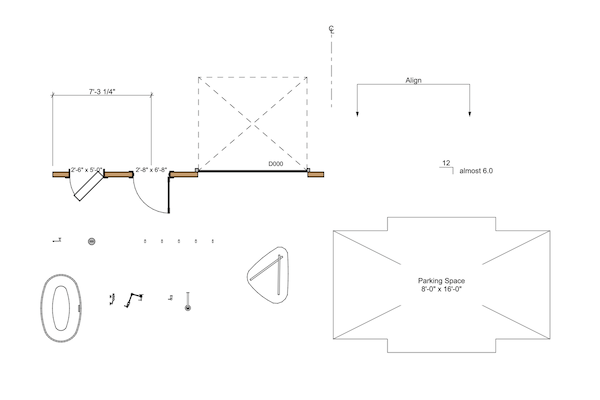
In this video I explore all the custom Objects in the Shoegnome Open Template for Archicad.
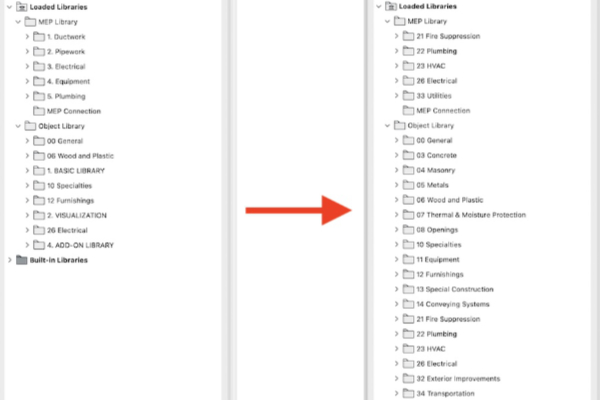
Do you know how to set a Library localization for an Archicad file? That’s something I did in this template update.

I’ve updated the Shoegnome Open Template v28.1 for Archicad 28.
The Shoegnome Open Template v28 for Archicad 28. Watch the video to learn about the changes then download the template today.
I’ve updated the Shoegnome Open Template v27.3 for Archicad 27.
I’ve updated both the Shoegnome Open Template v27.2 for Archicad 27 and my Shoegnome Work Environment for Archicad 27.
I just got back from Archicad by the Beach 2023 and collected a handful of minor updates to my template.
The Shoegnome Open Template v27 for Archicad 27 is ready for you. I’ve also updated the Shoegnome Open Template v26.4 for Archicad 26.
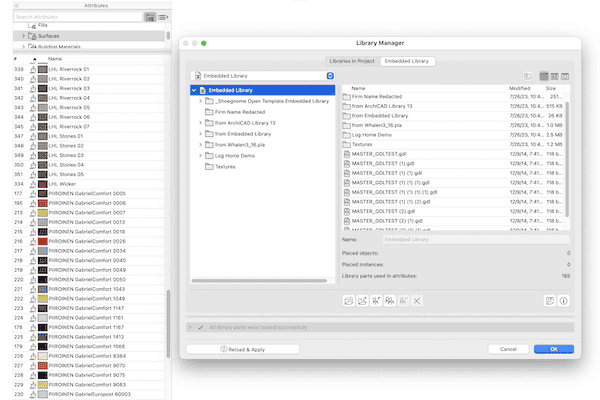
In this Archicad tutorial video I talk about copying between different templates, moving objects between files, and the horrors of Master_GDL Objects.
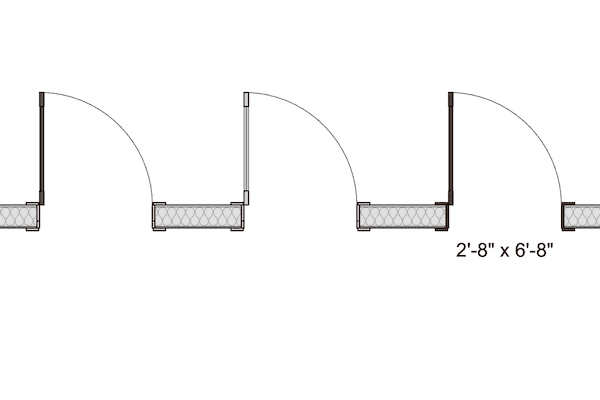
In this small update to my Shoegnome Open Template for Archicad 26, I fix a long standing graphic issue with existing door leaf display.
It’s time for another big update to my Shoegnome Open Template for Archicad 26. Read on to learn about out all the changes and improvements.
Nothing major, but since I’m updating the Shoegnome Open Template v26.21 for Archicad 26 for myself, everyone might as well benefit.
Check out the improvements I’ve made to the Shoegnome Open Template v26.2 for Archicad 26
Check out the improvements I’ve made to the Shoegnome Open Template v26.1 for Archicad 26
This video covers the basics of the Shoegnome Open Template for Archicad. From how to start using it to what it includes.
The Shoegnome Open Template v26 for Archicad 26 is ready for you. I’ve also updated the Shoegnome Open Template v25.4 for Archicad 25.

Before I start a bunch of new projects, I took a moment to update the Shoegnome Open Template for Archicad 25.
I’ve updated my template to go along with the recently released Archicad 25 update 2. Check out the latest improvements.
You can’t use Archicad without a good template. Well you can, but that’s a bad idea. Fortunately, the Shoegnome Open Template v25 is ready for Archicad 25. Download it now.

The Shoegnome Open Template v24.3 for Archicad 24 is ready for download!
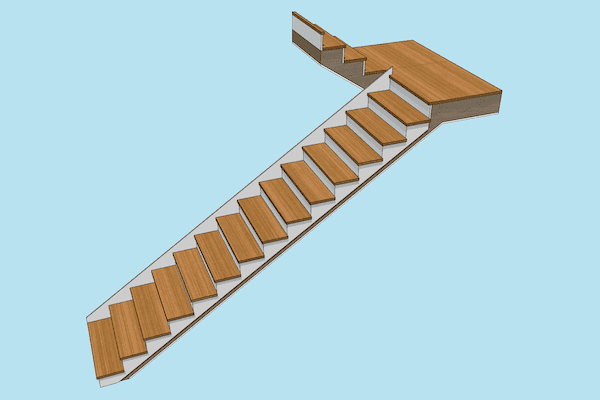
The Shoegnome Open Template v24.2 for Archicad 24 has more Favorites, three new Objects, and a lot of other improvements.
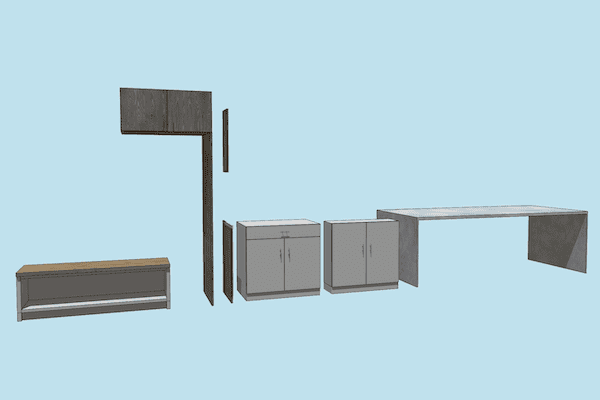
There are a lot of great improvements to the Shoegnome Open Template v24.1 for Archicad 24
The Shoegnome Open Template v24 for Archicad 24 is now available. Learn about the latest changes to my template and then download it.
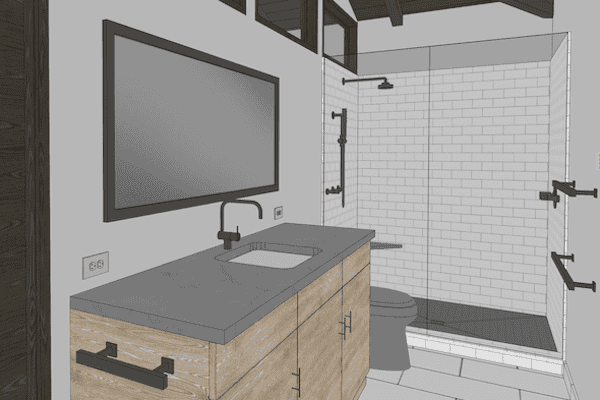
In addition to updating the Shoegnome Open Template, I’ve also recorded a video discussing various Archicad modeling tips.

After completing a project with my ARCHICAD 23 template, I made a bunch of revisions and improvements.

I have an update to my template AND beautiful 8 oz tumblers for you.
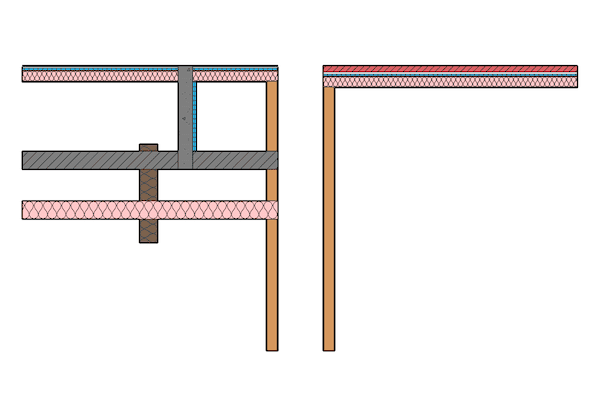
What do you do when you want to add Attributes and Favorites from one ARCHICAD file to another?
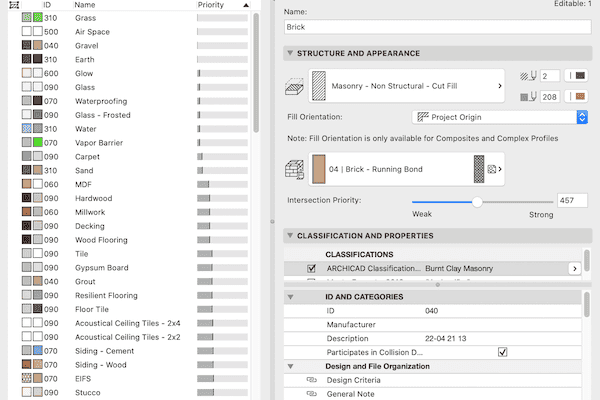
Learn about the first major update to my template for ARCHICAD 23.
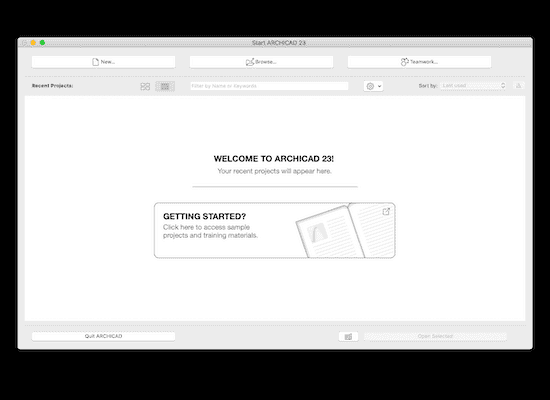
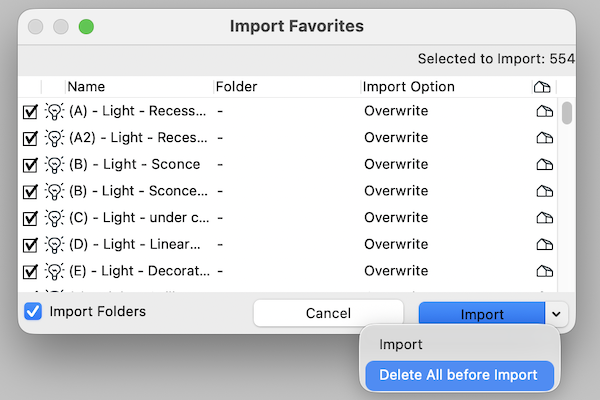
I’m often asked how to import a template or Work Environment into ARCHICAD. Here’s how.
The seventh iteration of the Shoegnome Open Template for ARCHICAD is now available. Learn about the latest changes to my template and then download it.
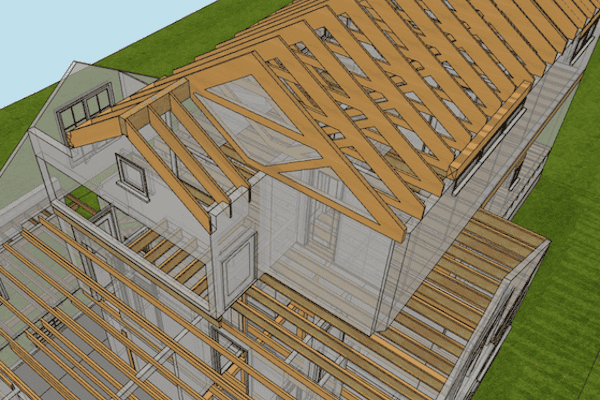
The sixth iteration of the Shoegnome Open Template for ARCHICAD is now available. Learn about the latest changes to my template and then download it.

I’ve corrected errors, added more Favorites, updated how I manage Building Materials and Surfaces, and more.

The fifth iteration of the Shoegnome Open Template for ARCHICAD is now available. Learn about the latest changes to my template and then download it.
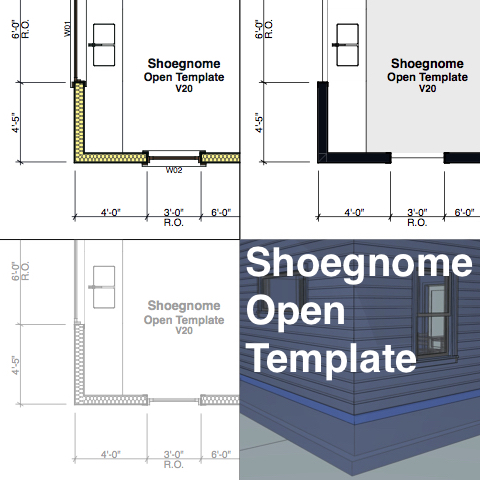
I’ve updated the Shoegnome Open Template for ARCHICAD 20 with lessons learned from a recent project. Read about the details and download the latest version.
The Shoegnome Open Template for ARCHICAD 20 is ready for you to download and use. Read this post and watch the accompanying video to learn what’s new.

Back in 2012 I updated a classic BIM graphic to show how BIM can bankrupt your firm. It’s time to revisit that argument.
The Shoegnome Open Template for ARCHICAD 19 is finally here. Go get it!

The Clean Template is a work of art and perhaps more useful than any other ARCHICAD template you’ll see this year.

I look at the roads in Australia and think about BIM. It feels so simple and easy to declare that they are wrong and the majority of the world is right.

I regularly get asked if there is a metric version of the Shoegnome Open Template-or if I have any plans to make one. I won’t be making one, but you can do it. Here’s how.
I’ve updated my Template again. Read the post to find out all the details, then download it and some ArchiCAD 18 Libraries .

I’ve made some additional improvements to my ArchiCAD template. I think you’ll like them, even if you just take the ideas and implement them elsewhere.

In addition to releasing the latest version of my Shoegnome Open Template, I’ve also recorded an ArchiCAD Rendering Tutorial video.
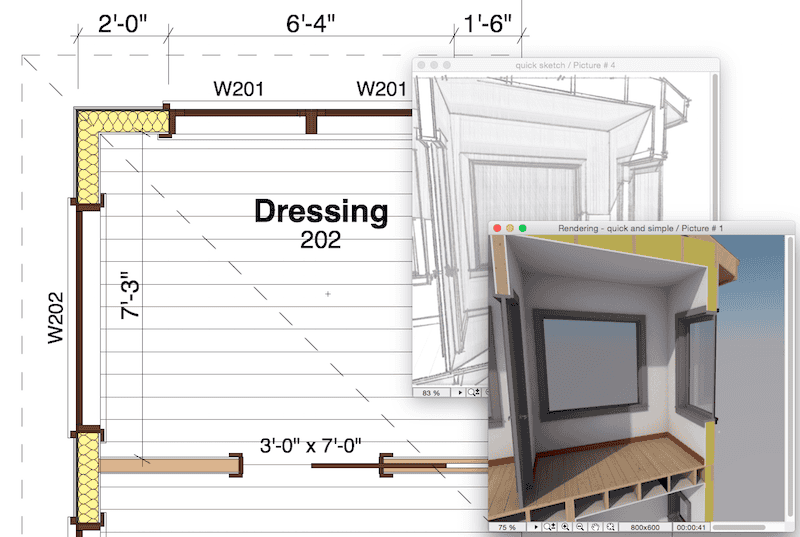
Did you enjoy my ArchiCAD 17 template, but have yet to upgrade to ArchiCAD 18? Well now you can check out my ArchiCAD 18 template in ArchiCAD 17 because we use a BIM program that can easily save down to a previous version.

Did you like my template for ArchiCAD 17? Well I have finally gotten around to updating the Shoegnome Open Template for ArchiCAD 18. Enjoy!

Parameter Transfer in ArchiCAD (eyedropper and syringe) is an ultra basic concept. I really hope you already know everything I discuss in this video.

Do you need a template for ArchiCAD? Why not try using mine. Welcome to the Shoegnome Open Template version 17.1.

I love this post. Guest Blogger Nathan Hildebrandt starts with Building Materials, then leads you down a path towards reinventing how you think about BIM and use ArchiCAD. It’s a great example of how focusing on improving how you use a piece of software will make you a more valuable member of the AECO team. Even if you don’t use ArchiCAD, this is a must read.

Do you need to create Interior Elevations in ArchiCAD? Of course you do. We all do. Are you creating them in the best possible way? Watch this video and find out. Got something to add? Share your tips in the comments.
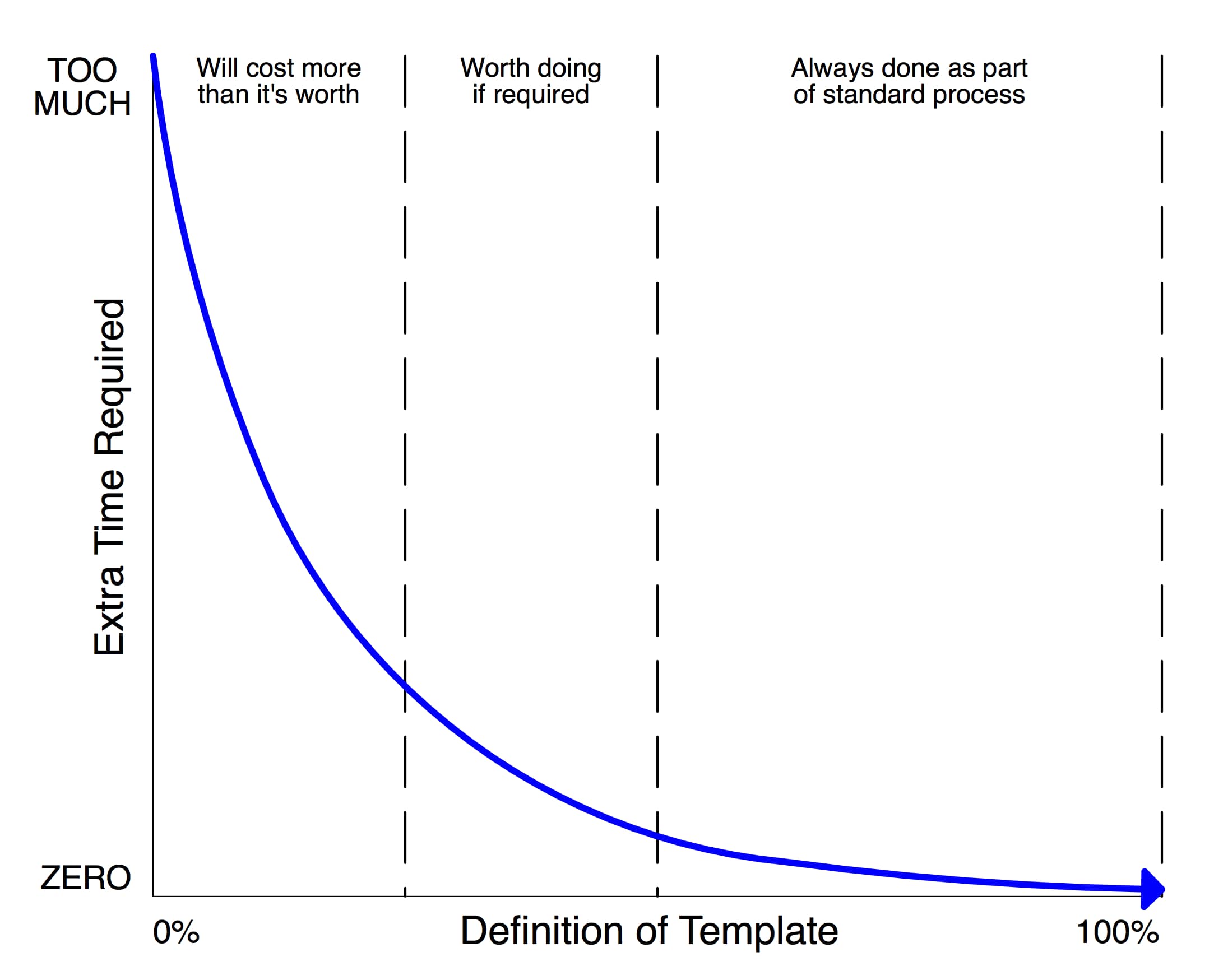
If you use BIM and don’t have a good BIM Template (whether for ArchiCAD, Revit, etc.). You Are Doing It Wrong.

Here’s my second video on Building Materials in ArchiCAD 17. I pick up right where we left off in the last video.
I asked on the Shoegnome Facebook page what my next ArchiCAD tutorial video should be about. There was some interest in Pen Sets, but the overwhelming majority of people wanted more on Building Materials in ArchiCAD 17. So here’s the first of at least two videos.
Reinventing the Wheel Let’s face it. We love it. We reinvent every chance we get hoping to make things better. Without it our lives would be pretty boring, Does this mean however we need to re-invent everything? More specifically, do we need to reinvent our interaction with ArchiCAD for every project? In our careers so far, each of us at [mac interact] have worked with and for offices that to

Thanks to Rob Jackson of Bond Bryan Architects for sharing this with me. “The UK has developed a protocol document designed for use with BIM projects, known as the AEC (UK) BIM Protocols. The set of documents builds on the guidelines and frameworks defined by the UK standards documents, including BS1192:2007 and PAS1192-2:2013 alongside proven best practice procedures, providing a clear, concise path to implementation for BIM authoring software. The documents
Templates are a big deal. Your template can determine whether you make or lose money with BIM. A strong template can make you efficient. A poor template can win you a gold medal for Wheel Reinvention. I’m not being hyperbolic. To succeed at BIM, you need a strong template. Without that, all the other time, money, and effort you throw at BIM will be severely handicapped. I get a lot
The Interactive ArchiCAD Practice Manual came from the realization that, although there are numerous books on teaching ArchiCAD users how to use the tools and navigate around projects, there is not much guidance on how to apply this software in the most efficient manner in an everyday office environment. ArchiCAD is both user friendly and customizable, giving users the freedom to work in the software in countless ways. The price
As a CAD / BIM manager, there is one vein of questioning that I just hate. It’s not so much the actual question, which is a variation of: “Why isn’t this working right?” It’s the answer that angers me: “Because you’re not following the template.“ These questions drive me crazy. I’m a tactful person, so I’m typically nice about it, probably too nice. But I just want to scream sometimes:
Parallel Teams a group of people working on a given project, at the same time. Teams working in parallel are well discussed in the world of ArchiCAD and BIM. There are a variety of options for ArchiCAD users: independent .pln files, hotlinked modules, and of course Teamwork 2. It’s pretty safe to say that, regardless of what other software venders will tell you, there is no better solution for parallel
An interesting offer… I’ve been trying to figure out how to write this review for weeks. Okay months. Jeroen de Bruin of Master Script first contacted me about writing a review for Total Zone and Total Marker on July 26th. I was flattered and thrilled. I warned him it’d be a little while. I wanted to use Total Marker and Total Zone in a project. Flipping through features and dreaming

Need every Library shipped with any version of ArchiCAD since 1995? Here’s how to get all the old ArchiCAD Libraries.
Okay that title was both lame and a stretch. But whatever. This isn’t about my attempts for humor and continuity with the previous post, it’s about Eric Bobrow and all his ArchiCAD offerings. And he wants to and will make ArchiCAD easier for you. Eric Bobrow is fast approaching his 500th licensed client using Master Template. Congratulations Eric! That’s huge. To celebrate this milestone he’s offering both discounts AND incentives.
This guest post is by David Jefferis. My preferred style of notation breeds the Full Text Note with the Full Keynote to produce the Hybrid Note. The primary problem with both styles of notation presented last week is the lack of hierarchy: special details or materials are not given special treatment and can get lost amid the notes for standard assemblies. Using the Hybrid Note system, these standard assemblies such
This guest post is by David Jefferis. In these posts, I will focus on general techniques of standardized representation and strategies for producing construction documents so that our conventional drawings can be exceptional. An important but rarely discussed part of starting an office is establishing a set of effective graphic standards for communicating design intent through construction documents. Most design websites and blogs show multiple rendered perspectives, plans and sections
At SALA Architects, we’ve been using ArchiCAD since v6.5 (1999). However I didn’t join the firm until 2007, at which point I spearheaded the transition of a hodgepodge of v8.1 users following no uniform procedures to a larger number of v11 users following company wide standards. We are now approaching the next big transition period. Over the next year we’ll be moving first to version 14 and then quickly to
If you haven’t read Parts One or Two, you might want to start here. At SALA Architects, I use 6 pen sets on a standard project. In this post I’m going to discuss the basics of two: one pen set, for structural drawings: HALF TONE (STRUCTURAL) one pen set, for electrical drawings: HALF TONE (ELECTRICAL) As I mentioned in Part One, setting a view to grayscale in the layout book
If you haven’t read Part One, you might want to start here. At SALA Architects, I use 6 pen sets on a standard project. In this post I’m going to discuss the basics of two: one pen set, with colors: STANDARD (COLOR) one pen set, with colors but some different line weights: STANDARD (COLOR, PLANS) In Pen Sets, Part One I briefly discussed why color = line weight.
History lesson. My two favorite changes between version 9 and version 10 where the merging of Plotmaker into ArchiCAD and the arrival of multiple pen sets. There is a lot of power and utility with multiple pen sets. At SALA Architects, I use 6 pen sets on a standard project. In this post I’m going to discuss the basics of two: one pen set, with colors: STANDARD (COLOR) one pet